


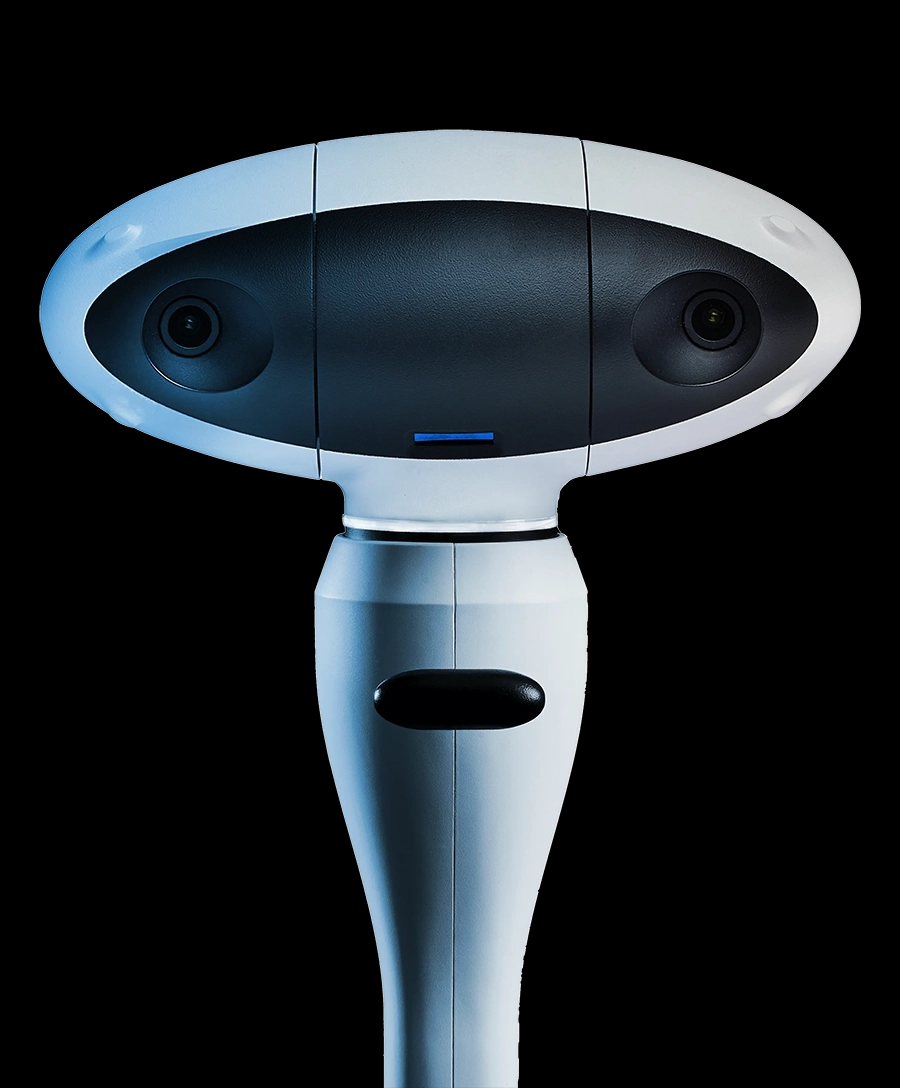

One continuous digital workflow, from implant planning to prosthetic design.

Plan implant positions on the patient’s CBCT scan in Navident EVO.

Place implants with real-time dynamic navigation.

Seat the MicronMapper EVO scan bodies on the multi-unit abutments.

Scan with the Navident EVO camera to record the position and orientation of each implant.

Export the implant position data as STL files for compatible dental CAD software.

The dental laboratory designs and fabricates the provisional or final restoration.
★★★★★
Navident has significantly streamlined our workflow.

Dr. Detlef Hildebrand
Praxis Implantologie & Ästhetik, Germany
★★★★★
Navident EVO has added a new dimension to my practice by making very challenging cases less time consuming.
Dr. Mohamed Fayad
Endodontics Limited, USA
★★★★★
Navident EVO boosts patient confidence as the real time visualization assures them that they are receiving the highest level of care.
Dr. Patryk Kownacki
Centrum Stomatologiczne, Poland
★★★★★
It enables us to navigate intricate anatomies with ease. I say simply the future lies in dynamically guided surgery!
Dr. Jacques Vermeulen
Cabinet d'implantologie, France
★★★★★
The precision it offers is beyond anything l've experienced before in implant procedures.
Dr. Nick Fahey
Woodborough House, UK
★★★★★
Navident has truly transformed my approach to implant procedures.
Dr. Elena Bezsmertna
Dental Suite, Czech Republic
★★★★★
Navident's precision translates into improved postoperative outcomes.
Dr. Vojech Slezacek
Dental Office, Czech Republic
★★★★★
A beautiful design!
Dr. Luca Comuzzi
Studio Comuzzi, Italy
